SensorLog
Bernd ThomasUtilitiesApp Store£2.99SensorLog revenue and downloads, last 30 days
How we got this (12 inputs)
- signals
- ratings ÷ age
- ratings/day
- 0
- monetisation
- utilities ARPD 0.8; IAP not collected yet
- bound
- revenue per download ceiling: $15/download × downloads high (modelled downloads)
- range
- 80% interval from out-of-fold residuals (×1.12 scale, 90 products)
- likelyLow
- 64.4
- likelyHigh
- 216.87
- observed days (of 30)
- 6
- bound
- revenue per download ceiling at the downloads mid: at most $15 per download × 8 downloads (the 30-day downloads mid); the window's revenue read 1.28x more
- low confidence because
- the figure rests on the revenue-per-download ceiling (an assumption), not on a revenue signal
- confidence
- low
- rough
- order of magnitude
As of Nov 21, 2026.
How we got this (15 inputs)
- signals
- ratings ÷ age ÷ ratings per download; lifetime→current drift ×/÷4.12 (135278 measured Play counter deltas)
- spread
- measured on downloads ground truth (downloads ground truth: 48 App Store milestones, 33 platform splits, 13 drift points)
- ratings
- 27
- ratings/day
- 0
- ratings per download
- 0.015 (non-games, measured on 44 products)
- ratings velocity (recorded, not used yet)
- 0/day over 5d
- range scale
- ×0.88 (coverage scale on 9 ground-truth rows; publication is decided before it)
- note
- outer range 62x: only a lifetime signal; a rating-count change between days, dated reviews or a free-chart position would narrow it
- likelyLow
- 2
- likelyHigh
- 26
- confidence
- low
- rough
- order of magnitude
- observed days (of 30)
- 6
- measured days
- 0
- scaling
- observed days, scaled to 30
As of Nov 21, 2026.
Active users: not estimated for this app (too uncertain to show).
History
Daily readings as we observed them, last 30 days worldwide. Free shows the last 30 days.
Downloads per day
Observed by us since Nov 15, 2026.
Revenue per day
Observed by us since Nov 15, 2026.
Ratings (United Kingdom)
Observed by us since Nov 16, 2026.
Average rating
Observed by us since Nov 16, 2026.
Create a free account to save apps; Pro shows full history.
Chart positions
On 3 charts at the latest capture. Charts are swept every 6 hours.
| Country | Top paidAll apps | Top paidUtilities |
|---|---|---|
| Austria | #8441places down | #72places down |
| Italy | Not on this chart | #848places down |
Change is against the previous capture of the same chart.
Top paid, Utilities, Austria
Observed since Nov 16 01:41 UTC.
Top paid, All apps, Austria
Observed since Nov 16 01:31 UTC.
Show 1 more chartShow less
Top paid, Utilities, Italy
Observed since Nov 16 02:47 UTC.
Search terms
No search terms read for this app yet. Terms are read from its title and the searches it shows up in, and appear here once ranked.
In-app purchases
Prices
In-app purchase ladder, price changes and paywall terms
No in-app prices recorded yet. We read them from the store listing: either this app sells none, or its listing has not been read yet.
Ratings and reviews
Rating distribution
No rating distribution read yet.
Recent reviews
Marketing
Paid ads, organic videos and onboarding captured for this app.
Paid ads
No Meta, Google or TikTok ads tied to this app yet. We check the public ad libraries daily.
Organic videos
No YouTube, TikTok or Instagram videos tied to this app yet.
Change history
Versions, price changes, rank jumps and listing edits, as we observed them.
Details
- Developer
- Bernd Thomas, 1 app
- Bundle id
- net.berndthomas.SensorLog
- Category
- Utilities
- Price
- £2.99
- Released
- Sep 8, 2010
- Updated
- Nov 5, 2024
- Version
- 6.1
- Size
- 4.2 MB
- Content rating
- 4+
- Website
- Not available
- Contact email
- Not available
- Privacy policy
- Not available
- Languages (2)
- English, German
- Charted in
- United Arab Emirates, Austria, Australia, Belgium, Brazil, Canada, Switzerland, Germany, Spain, France, United Kingdom, Ireland, India, Italy, Japan, South Korea, Mexico, Netherlands, Thailand, Turkey, Taiwan, United States
- First seen
- Nov 15, 2026
- Listing read
- Nov 18, 2026
Show store descriptionShow less
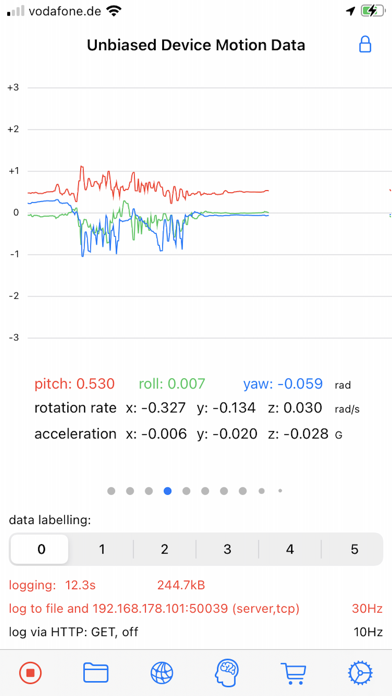
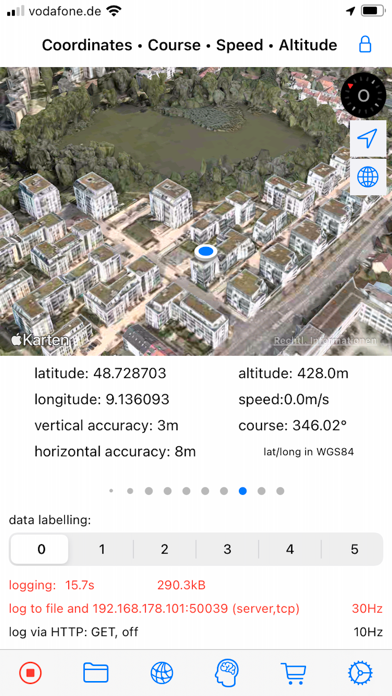
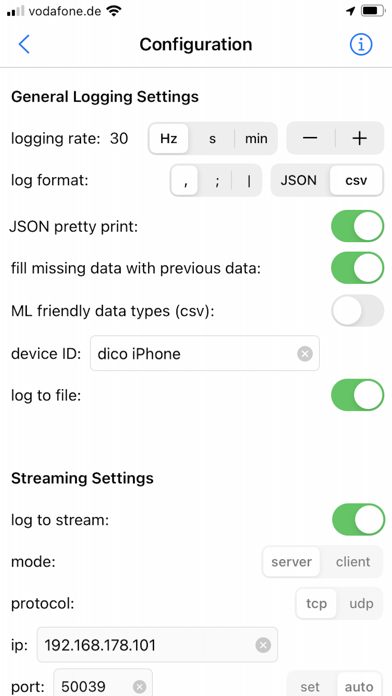
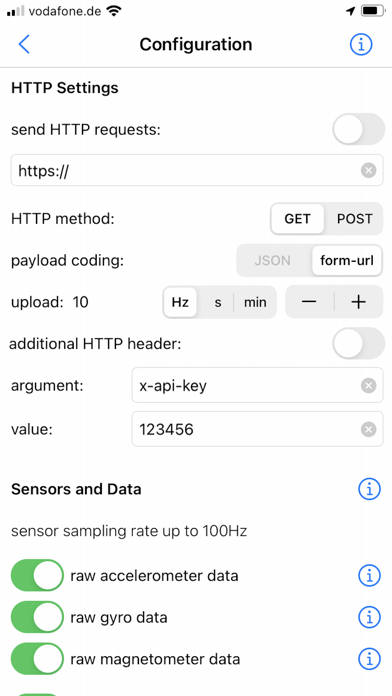
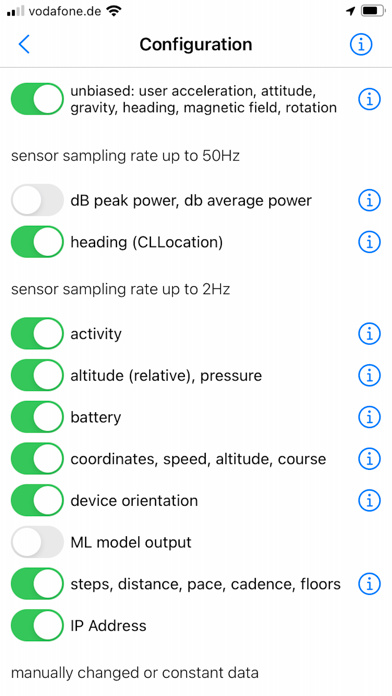
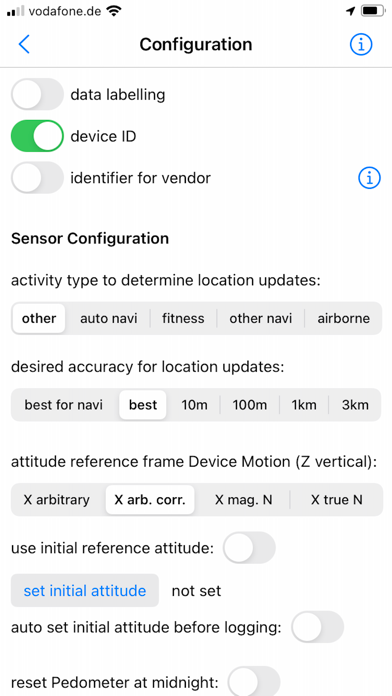
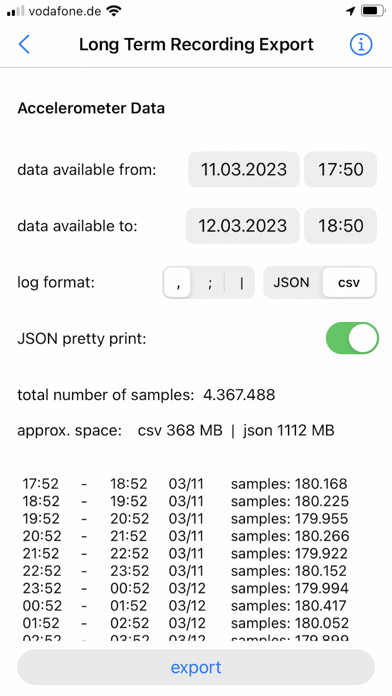
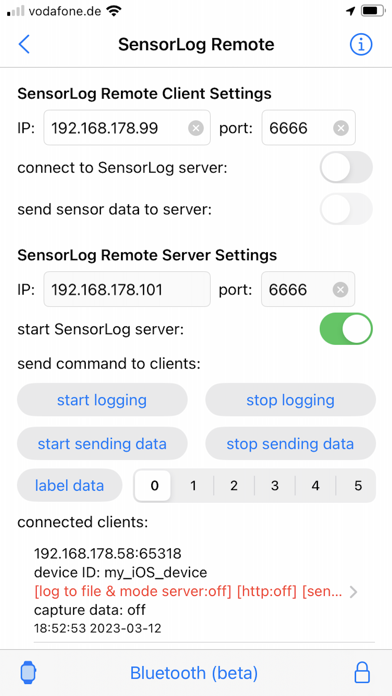
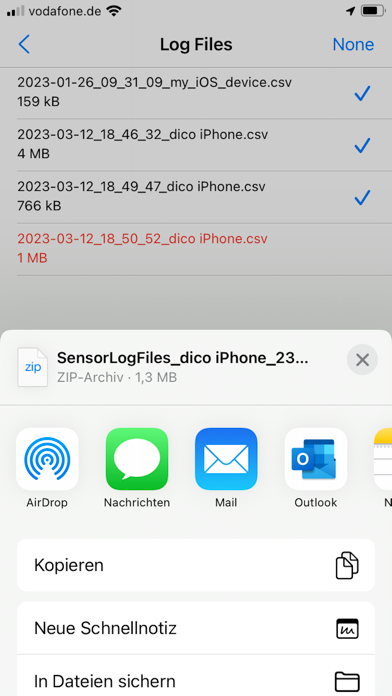
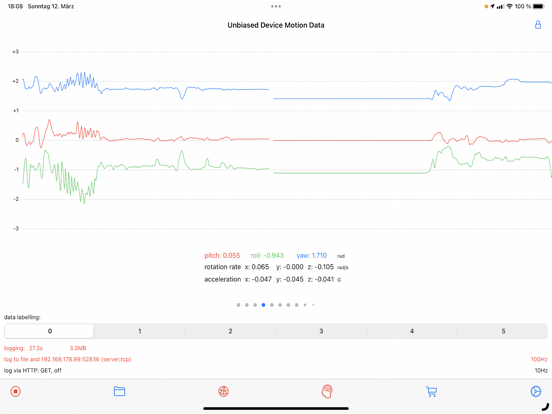
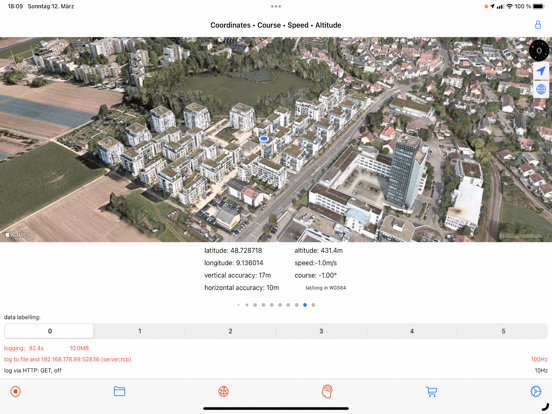
With SensorLog you can read sensor data from the iPhone, iPad and Apple Watch. The sensor data can be saved as a file in CSV or JSON format, streamed via TCP/UDP or sent as an HTTP request. The most important functions for iPhone and iPad: - Sensor data can be recorded at up to 100Hz (depending on the iOS device version and sensor type). - Sensor data can be streamed in server or client mode using TCP or UDP. Depending on the network speed and the server or client configuration used, this is possible with up to 100Hz. - Via HTTP(S) GET/POST request, sensor data in JSON format (POST) or form-url encoded (POST and GET) can be transmitted to a REST API with up to 20Hz. - With the SensorLog Remote Client/Server function, an iPad or iPhone can connect as a SensorLog Remote Client to an iPhone or iPad, which takes on the role of SensorLog Remote Server. The client's sensor data can be visualized on the server, and the server can control the clients (start/stop logging, start/stop sending data). - Logging can be started and stopped using Siri and shortcuts. - SensorLog supports Core ML models created with Apple's Create ML app. Log data with SensorLog, train a model with the data in Create ML, load exported models in SensorLog and log the model prediction. Supported Create ML models are: Activity Classifier, Tabular Regressor and Tabular Classifier. - If you have an Apple Watch, HealthKit data such as heart rate, energy used, sleep and movement data can be exported on the watch as a csv or json file and then transferred to your iPhone. Sensor data iPhone / iPad: For sample log files, please visit the SensorLog homepage (link App Support). - CLLocation, CLHeading, CMAccelerometer, CMGyroData, CMMagnetometer, CMDeviceMotion, CMActivity, CMPedometer, CMAltimeter, WLAN and network provider IP addresses, device orientation, battery info, decibels. The most important functions for Apple Watch: - Logging Option 1: Logging duration up to 1 hour Simultaneous logging of all selectable sensor data is supported in the background with up to 50Hz. Individual sensors can be logged with a higher frequency of up to 100Hz. Sending data via HTTP requests is supported. - Logging option 2: Logging duration greater than 1 hour In the background only logging of the accelerometer data with max. 50Hz is supported. In the foreground all sensor data with up to 100Hz. Sending data via HTTP requests is only supported when the app is in the foreground. - Via HTTP(S) GET/POST request, sensor data can be transmitted to a REST API with up to 10Hz in JSON format (POST) or form-url encoded (POST and GET). - The Health Store data feature off the SensorLog Watch app allows you to export HealthKit data like heart rate, energy burned, sleep, and movement data. This data is automatically recorded by your Watch and can be read out and exported by SensorLog as csv or json file and transferred to your iPhone. - Logging can be started and stopped using Siri and Shortcuts. Sensor Data Watch: For sample log files, please visit the SensorLog homepage (link App Support). - CLLocation, CMAccelerometer, CMDeviceMotion, CMActivity, CMPedometer, CMAltimeter, battery info
More like this
- Top Utilities on App Store by estimated revenue
- SensorLog alternatives
- SensorLog vs TV Remote Control & Media Cast
- SensorLog vs iCab Mobile (Web Browser)
- All top charts and categories
Similar apps
 TV Remote Control & Media Cast春城 贾5.0 ★ (5)
 iCab Mobile (Web Browser)Alexander Clauss3.6 ★ (5)
 AWTRIX 3Stephan Muehl4.6 ★ (5)
 TuneHelperThomas Sojka5.0 ★ (5)
 NoiSeeEA LAB4.8 ★ (5)
 ORDERETTETakahiro Wakako4.0 ★ (5)
 RecUp - Record to the Cloudegetsome UG4.4 ★ (5)
 µBrowser: Watch Web BrowserArno Appenzeller4.2 ★ (5)